Real-time · Metal · Mac

Peliculla

Cinema color, live.

Grade any live video with real film color tools in real time — then transmit the treated signal across your network, across the internet, or straight into OBS.

Real-time grading NDI · SRT · OBS 6 languages MIDI control

Two hands on the keyboard. No extra gear.

Keyboard Nav gives you fast control over the Grade parameters with your right hand and playback with your left — speeding up your workflow and boosting productivity, with no need to buy more expensive gear.
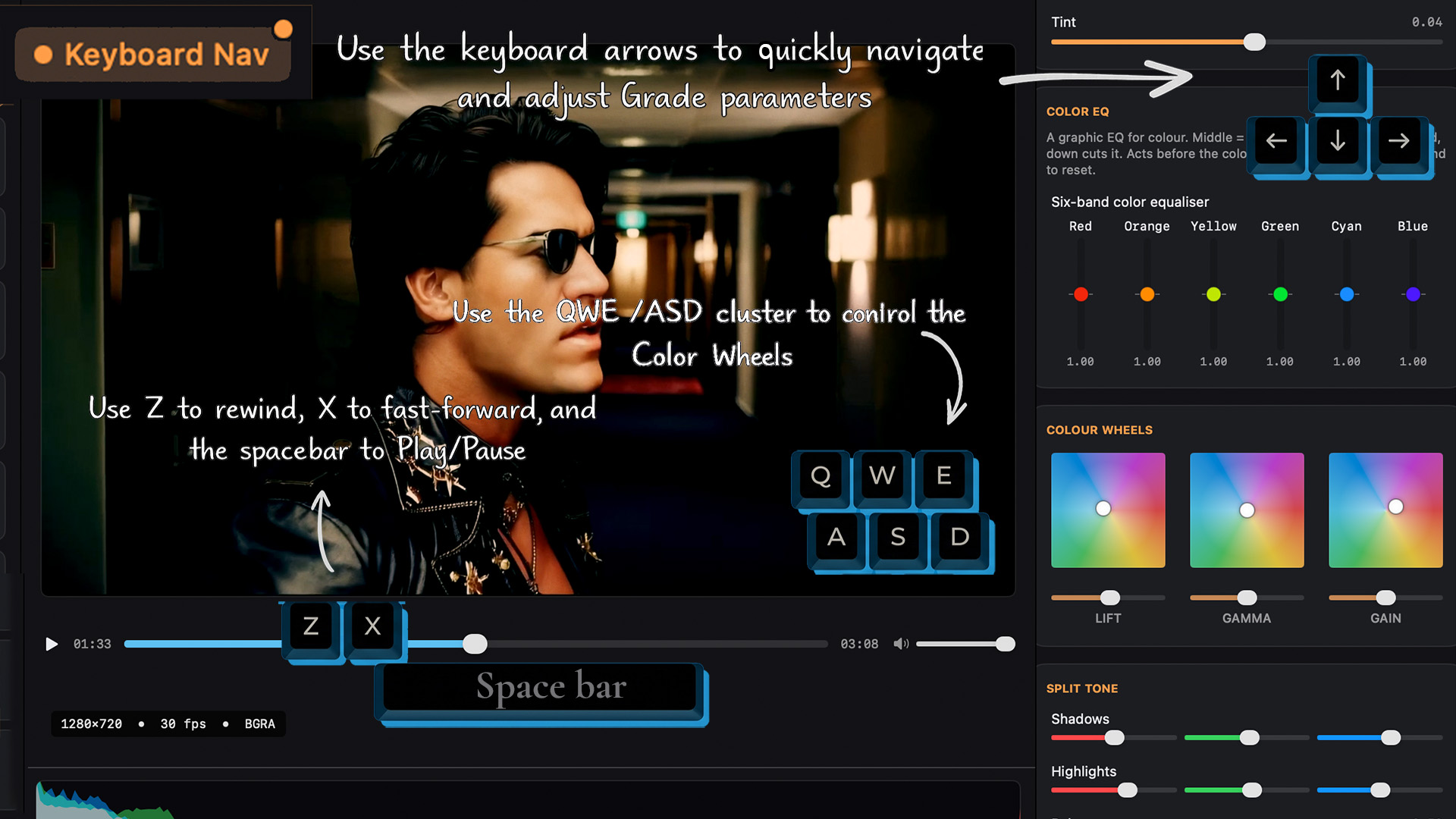
Keyboard Nav: arrow keys adjust Grade parameters, the QWE/ASD cluster controls the color wheels, and Z / X / spacebar control playback

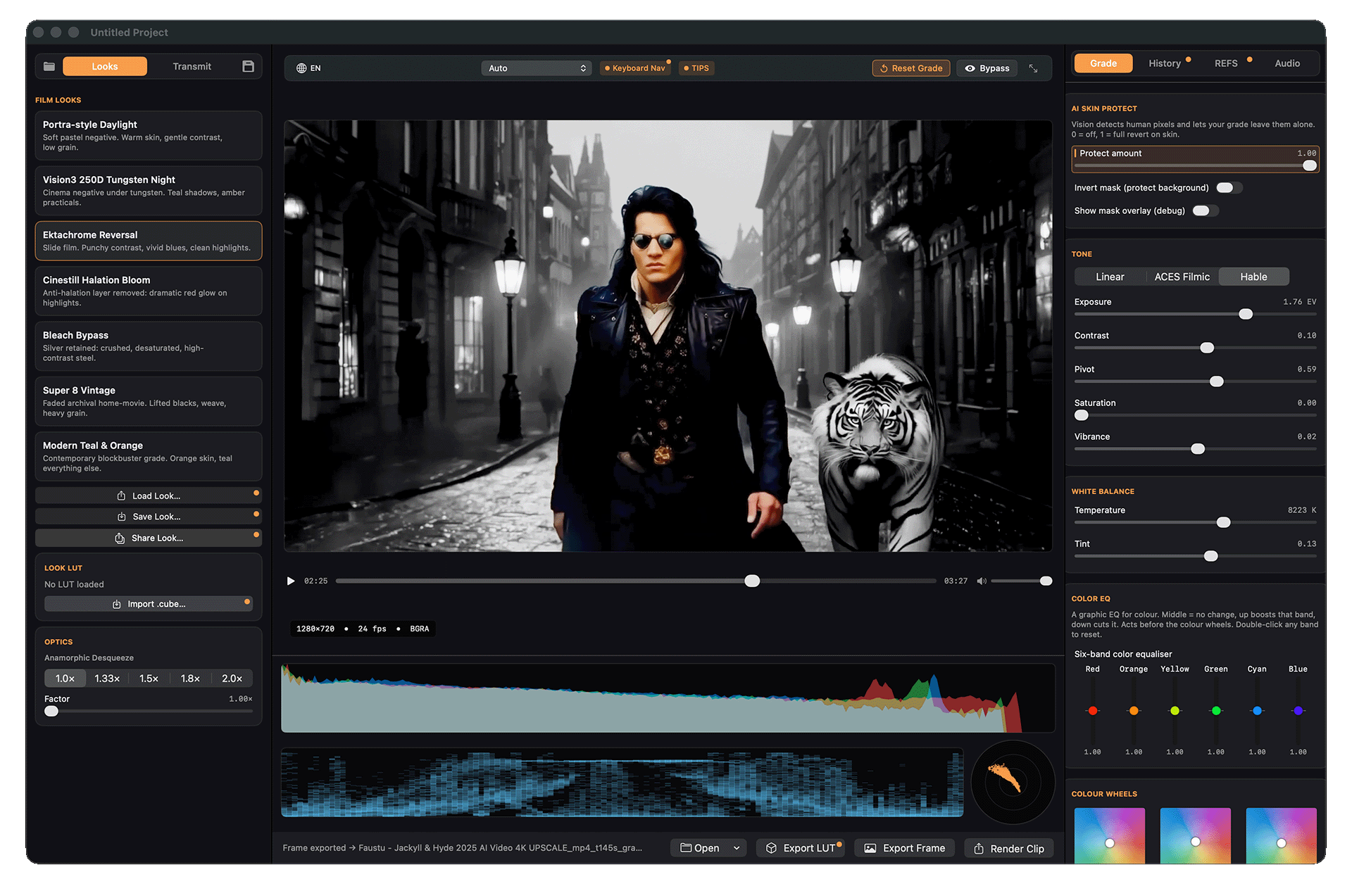
Grade as hard as you want. People stay real.

Skin AI Protect runs on the Neural Engine, frame by frame, holding skin tones natural while you push the most extreme look on everything else — live, on-device, no cloud. Flip it to protect the background instead and stylize your subject, exploring effects in real time you'd never risk by hand.

Skin AI Protect keeping a person's skin natural while the scene gets an extreme grade

A real color engine, for moving pictures.

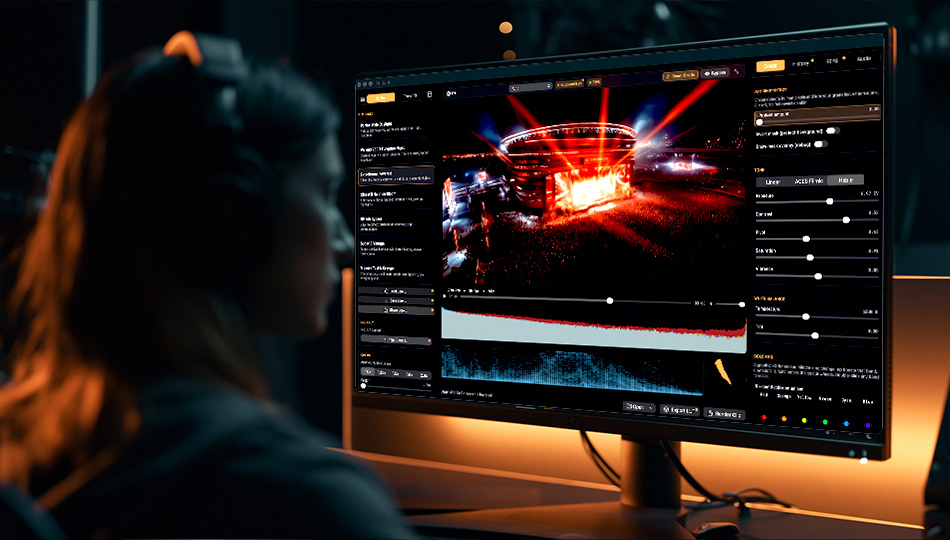
Peliculla is built on a Metal color pipeline designed for live video, not snapshots. Everything responds the instant you touch it.

01
Film Looks
Curated cinematic starting points — negative film, slide reversal, bleach bypass, halation bloom, modern teal & orange, and more.
02
Tone & Color
Exposure, contrast, pivot, saturation, vibrance, temperature, tint — plus Lift / Gamma / Gain color wheels with 2D control.
03
Tone Mapping
Linear, ACES Filmic, and Hable for true highlight roll-off — plus Split Tone and ASC-CDL (slope / offset / power).
04
Optics
Halation, grain, bloom, gate weave, vignette, and anamorphic desqueeze — the texture of real film.
05
LUTs
Import any .cube LUT, or export your grade as a .cube to use anywhere. Save and share looks as .pel files.
06
Live Scopes
Waveform, parade, and vectorscope — always live. Bypass to compare, reset to neutral in one click.

One graded image. Three ways out.

Treat the color at the source, so the signal arrives already looking its best — all three outputs at once.

NDI
Send to any NDI-compatible software or device on your local network, in high quality.
SRT
Send over the internet with low latency and optional AES encryption.
Browser Source
Feed OBS directly with a local URL — no plugin required.

Made for the moment the image goes out.

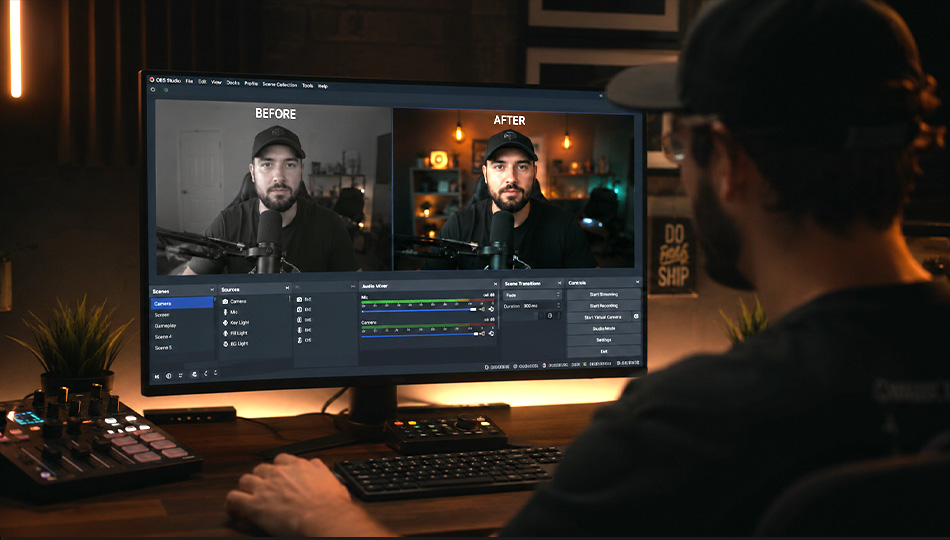
Webcam gradada ao vivo no OBS
Streaming · OBS
A cinematic camera in OBS
Your webcam doesn't have to look like a webcam. Grade it live and feed OBS directly through Browser Source — no plugin.
Remote colorist shaping a look with live scopes, sending NDI
Remote color
Decide the look from afar
Shape or monitor a look remotely, with live scopes, and send the graded signal to the set or studio via NDI or SRT.
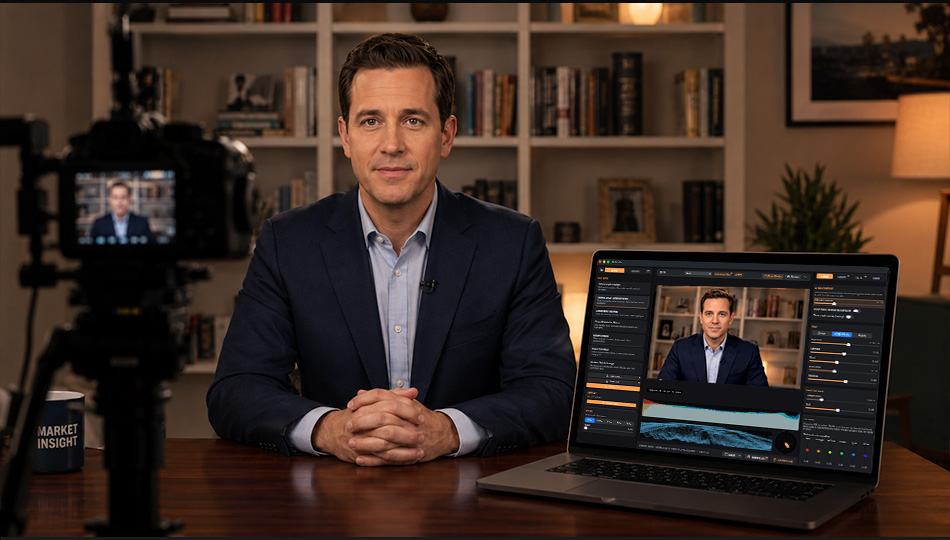
Journalist going live from a home studio, broadcast-ready
Remote contribution
Broadcast-ready from home
Go live from a home studio looking your best. Correct exposure and color at the source, then send it to the production via SRT.
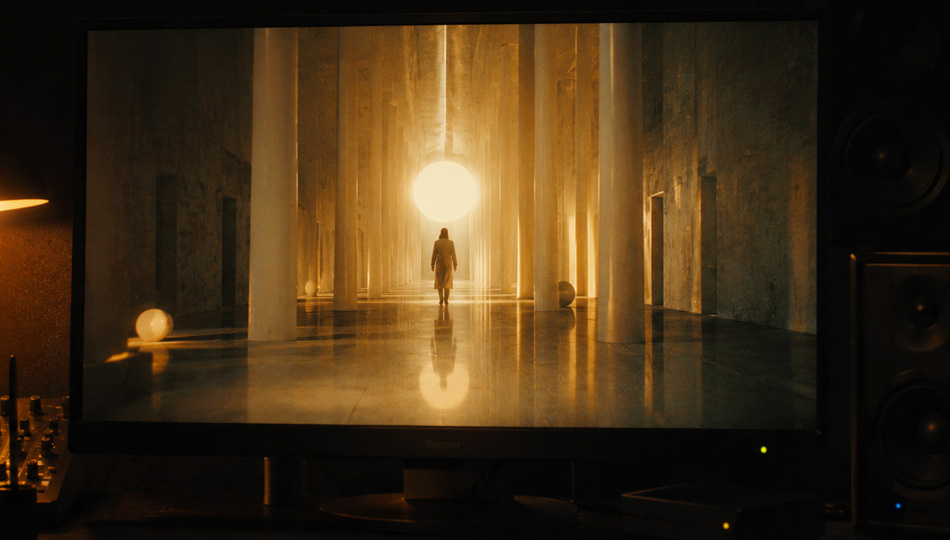
AI-generated clip graded with film look so it reads as filmed
AI video
Unify and de-synthesize
Treat AI-generated video — apply a film look, add grain and halation, and unify the color so it reads as filmed.
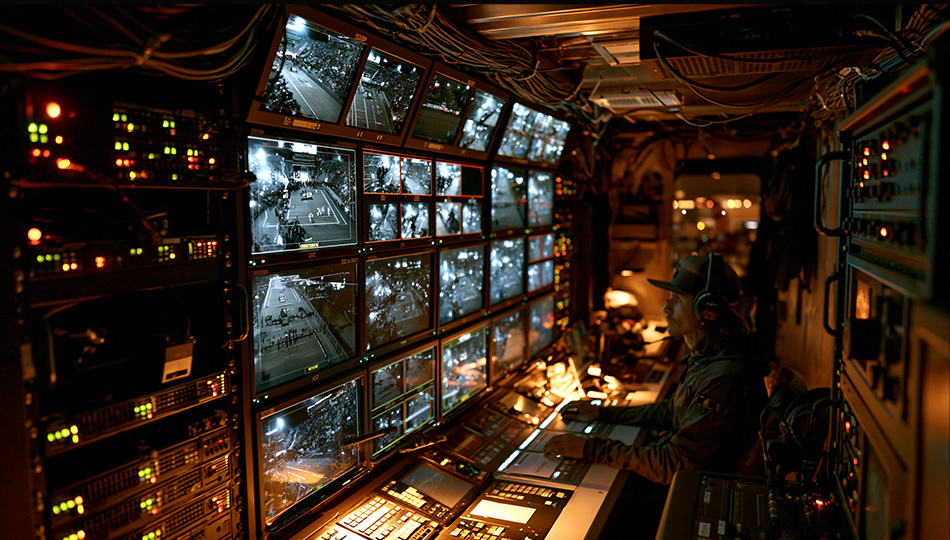
OB van gallery saving a .pel look per camera
Live Production · OB Van
Match every camera on the truck
Build the event look ahead of time and save a .pel for each camera. Export matching LUTs to the switcher — so every angle of the game cuts together in one consistent color.
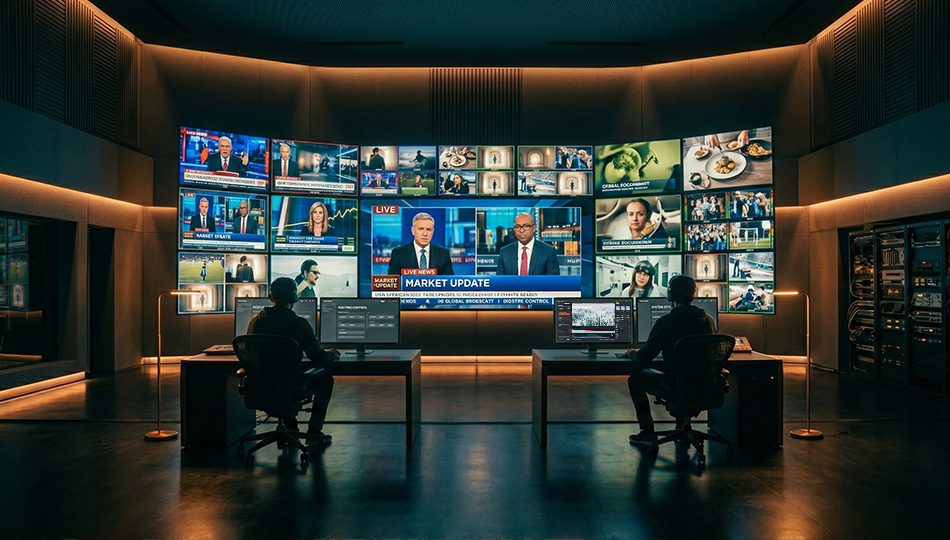
Broadcast master control distributing graded program over NDI and SRT
Broadcast · TV
One look across the network
Distribute the graded program over NDI and SRT, and color remote bureau feeds at the source before they reach master control — a consistent look from every base, all the way to air.

Your camera, finally cinematic.

Available on the Mac App Store.

Download on the Mac App Store

Questions?

Email our support team: web@musicamania.com.br